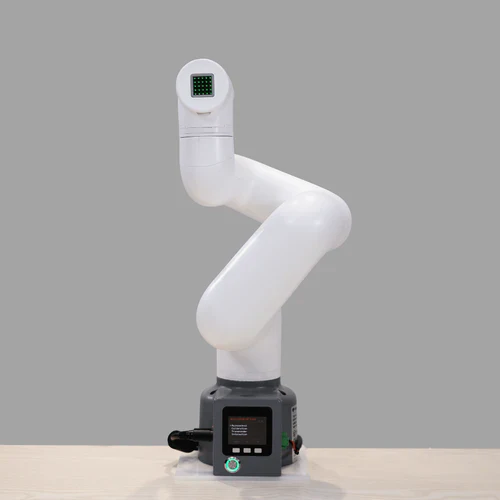
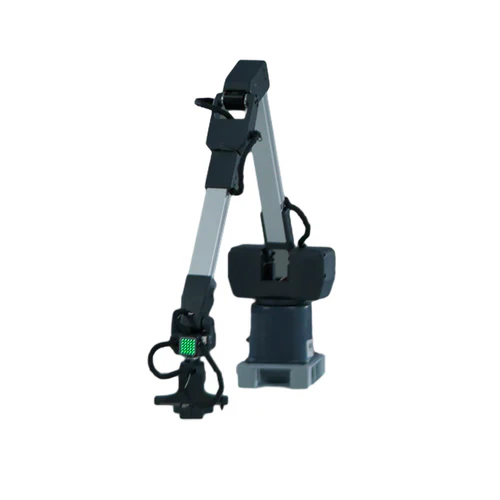
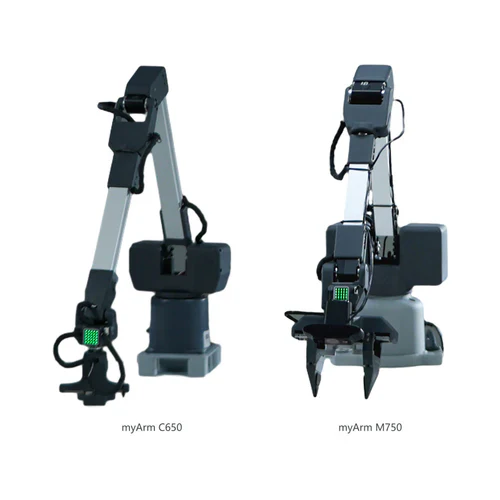
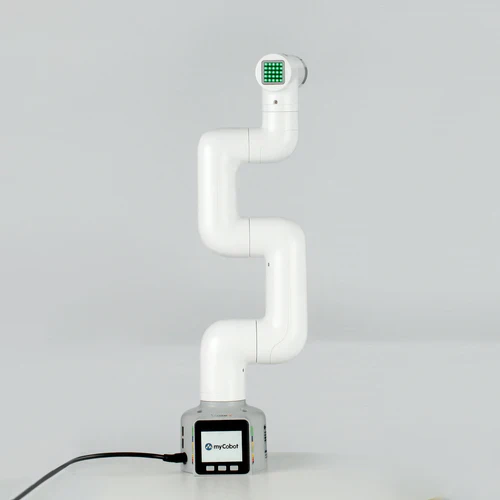
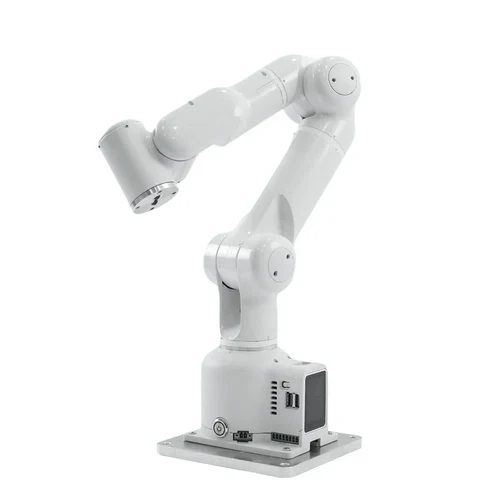
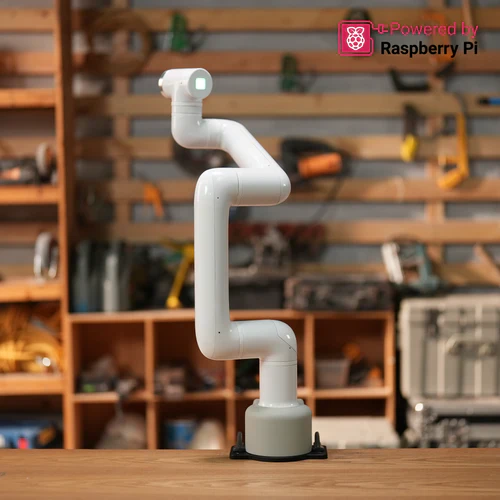
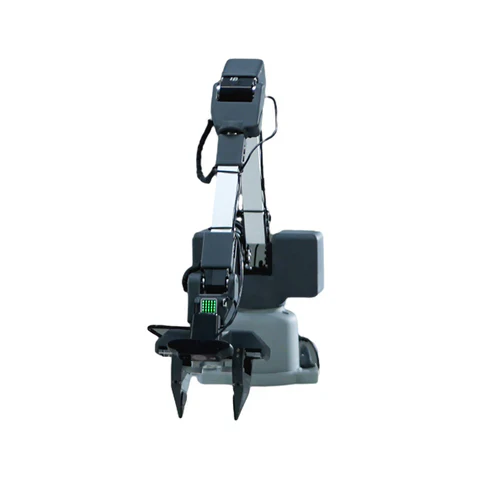
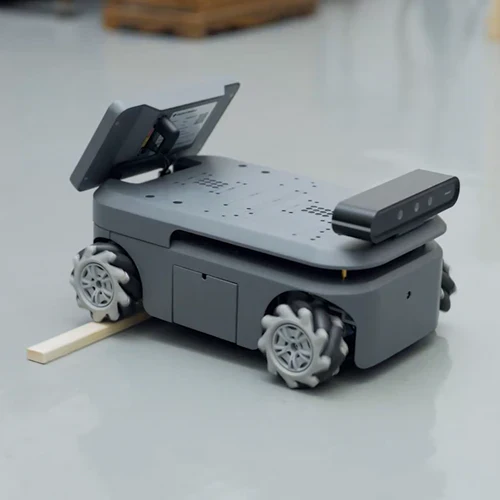
Ultra Compound Mobile Robot Kit: myCobot Pro 630 + Ranger Mini 2.0
Ultra Compound Mobile Robot Kit
ALL-IN-ONE DESIGN
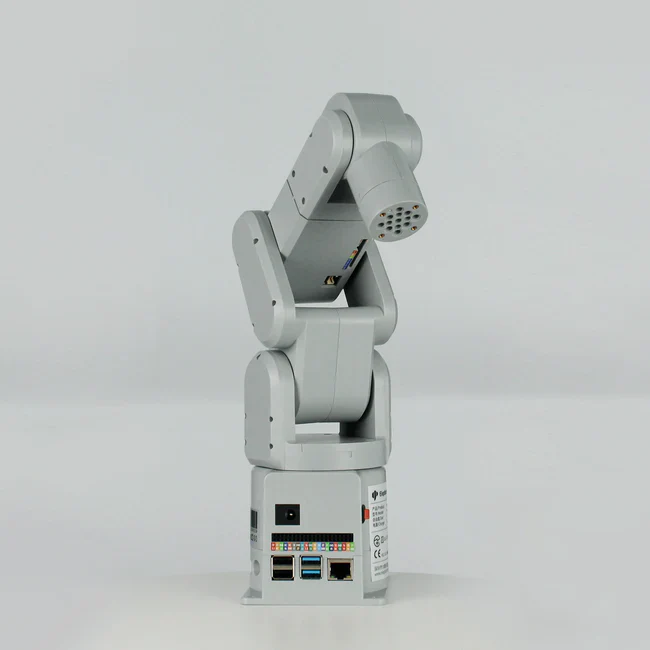
The all-in-one design enables it to fully utilize the working space and perfectly integrate into the production environment.The anti-collision detection function based on the precise dynamic model enables it to work well with human.


PARAMETERS
Six degrees of freedom of joint motion, a 630mm radius of motion, and a 2KG payload help achieve your ideal application scenario.

EXCELLENT CONFIGURATION
Meet your different scenarios of peripheral control and realize your creative thoughts and thoughts.

FULLY OPEN CONTROL INTERFACE
The device offers an array of hardware connectivity options, providing users with comprehensive and targeted interface choices. It supports various peripheral interfaces including USB, EtherNet/IP, RS485, and 24V-I/O, meeting the full-scene support needs for robotic application development.


ROBOFLOW VISUAL PROGRAMMING SOFTWARE
This refers to an all-in-one robot programming and control software that offers features like visual programming interaction, quick movement control, drag-and-teach, and robot status query configuration. It supports various connection types including Modbus, VNC, and Socket to facilitate easy programming and rapid application of robots for users.

MYCOBOT SERIES

SUPPORT FOR SIMULATION SYSTEMS
Support is extended for the ROS1, ROS2, and Gazebo simulation environments, with open-source robot control driver files provided. Basic RVIZ and MoveIT use cases are available, allowing for the customization of integrated application scenarios. Robot 3D and URDF files are also made accessible, enabling users to adapt to a wider range of simulation systems.

APPLICATION SCENARIOS
The four major personalized robot application scenarios include: 3D unstructured visual sorting, 2.5D palletizing sorting, robot writing and painting, and compound robot mobile inspection. It provides product integration support, covering a variety of peripheral devices such as 3D cameras, recognition software, recognition algorithms, actuators, industrial PCs, and mobile AGVs, to meet the customized application needs of different users.
 3D Unstructured Visual Sorting |
 2.5D Palletizing and Sorting |
 Robot Writing and Painting |
 AGV + Robotic Arm |
myStudio
myStudio is a one-stop platform for myCobot Pro 630.
The main functions of myStudio are: 1) Update the firmware; 2) Provide video tutorials on how to use the robot; 3) Provide maintenance and repair information (such as video tutorials, Q&A, etc.

Instructions
| Gitbook [Recommended reading] | View |
| Github | View |
| User Manual | Download |
Specifications
| Specification | Details |
|---|---|
| DOF | 6 |
| Reach | 630 mm |
| Payload | ≤ 2 Kg |
| Repeatability | ±0.1 mm (Standard) ISO 9283 |
| Life Span | >10000 h |
| Power Supply | DC 48V |
| Joint Ranges | J1: ±360° J2: ±135° J3: ±135° J4: ±150° J5: ±360° J6: ±360° |
| Supported Operating Systems | Windows, Linux, Mac |
| Communication Protocols | TCP/IP-Socket, MODBUS, EtherNet/IP |
| Programming Languages and Software | ROS 1, ROS 2, myBlockly, myStudio, Matlab, Python, C++ |
| Connectivity | WiFi-2.4G/5G BT–2.4G/5G USB 2.0 × 2 USB 3.0 × 2 RJ45 × 1 RS 458 |
| Video Output | MicroHDMI × 2, supports wireless VNC connectivity |
| Base Out Power | 24V 2A (Max) |
| Base Input | 24V 50mA (Max) NPN × 6 |
| Base Output | 24V 50mA (Max) PNP × 6 |
| Tools Out Power | 24V 2A (Max) |
| Tools Input | 24V 50mA (Max) NPN × 2 |
| Tools Output | 24V 50mA (Max) PNP × 2 |
All-New MyCobot Pro 630

Video Learning
Original: $41,256.24
-70%$41,256.24
$12,376.87
Description
Ultra Compound Mobile Robot Kit
ALL-IN-ONE DESIGN
The all-in-one design enables it to fully utilize the working space and perfectly integrate into the production environment.The anti-collision detection function based on the precise dynamic model enables it to work well with human.
PARAMETERS
Six degrees of freedom of joint motion, a 630mm radius of motion, and a 2KG payload help achieve your ideal application scenario.
EXCELLENT CONFIGURATION
Meet your different scenarios of peripheral control and realize your creative thoughts and thoughts.
FULLY OPEN CONTROL INTERFACE
The device offers an array of hardware connectivity options, providing users with comprehensive and targeted interface choices. It supports various peripheral interfaces including USB, EtherNet/IP, RS485, and 24V-I/O, meeting the full-scene support needs for robotic application development.
ROBOFLOW VISUAL PROGRAMMING SOFTWARE
This refers to an all-in-one robot programming and control software that offers features like visual programming interaction, quick movement control, drag-and-teach, and robot status query configuration. It supports various connection types including Modbus, VNC, and Socket to facilitate easy programming and rapid application of robots for users.
MYCOBOT SERIES
SUPPORT FOR SIMULATION SYSTEMS
Support is extended for the ROS1, ROS2, and Gazebo simulation environments, with open-source robot control driver files provided. Basic RVIZ and MoveIT use cases are available, allowing for the customization of integrated application scenarios. Robot 3D and URDF files are also made accessible, enabling users to adapt to a wider range of simulation systems.
APPLICATION SCENARIOS
The four major personalized robot application scenarios include: 3D unstructured visual sorting, 2.5D palletizing sorting, robot writing and painting, and compound robot mobile inspection. It provides product integration support, covering a variety of peripheral devices such as 3D cameras, recognition software, recognition algorithms, actuators, industrial PCs, and mobile AGVs, to meet the customized application needs of different users.
|
3D Unstructured Visual Sorting |
2.5D Palletizing and Sorting |
|
Robot Writing and Painting |
AGV + Robotic Arm |
myStudio
myStudio is a one-stop platform for myCobot Pro 630.
The main functions of myStudio are: 1) Update the firmware; 2) Provide video tutorials on how to use the robot; 3) Provide maintenance and repair information (such as video tutorials, Q&A, etc.
Instructions
| Gitbook [Recommended reading] | View |
| Github | View |
| User Manual | Download |
Specifications
| Specification | Details |
|---|---|
| DOF | 6 |
| Reach | 630 mm |
| Payload | ≤ 2 Kg |
| Repeatability | ±0.1 mm (Standard) ISO 9283 |
| Life Span | >10000 h |
| Power Supply | DC 48V |
| Joint Ranges | J1: ±360° J2: ±135° J3: ±135° J4: ±150° J5: ±360° J6: ±360° |
| Supported Operating Systems | Windows, Linux, Mac |
| Communication Protocols | TCP/IP-Socket, MODBUS, EtherNet/IP |
| Programming Languages and Software | ROS 1, ROS 2, myBlockly, myStudio, Matlab, Python, C++ |
| Connectivity | WiFi-2.4G/5G BT–2.4G/5G USB 2.0 × 2 USB 3.0 × 2 RJ45 × 1 RS 458 |
| Video Output | MicroHDMI × 2, supports wireless VNC connectivity |
| Base Out Power | 24V 2A (Max) |
| Base Input | 24V 50mA (Max) NPN × 6 |
| Base Output | 24V 50mA (Max) PNP × 6 |
| Tools Out Power | 24V 2A (Max) |
| Tools Input | 24V 50mA (Max) NPN × 2 |
| Tools Output | 24V 50mA (Max) PNP × 2 |
All-New MyCobot Pro 630